Autoplay
Automated daily game scheduling across dungeons and fishing
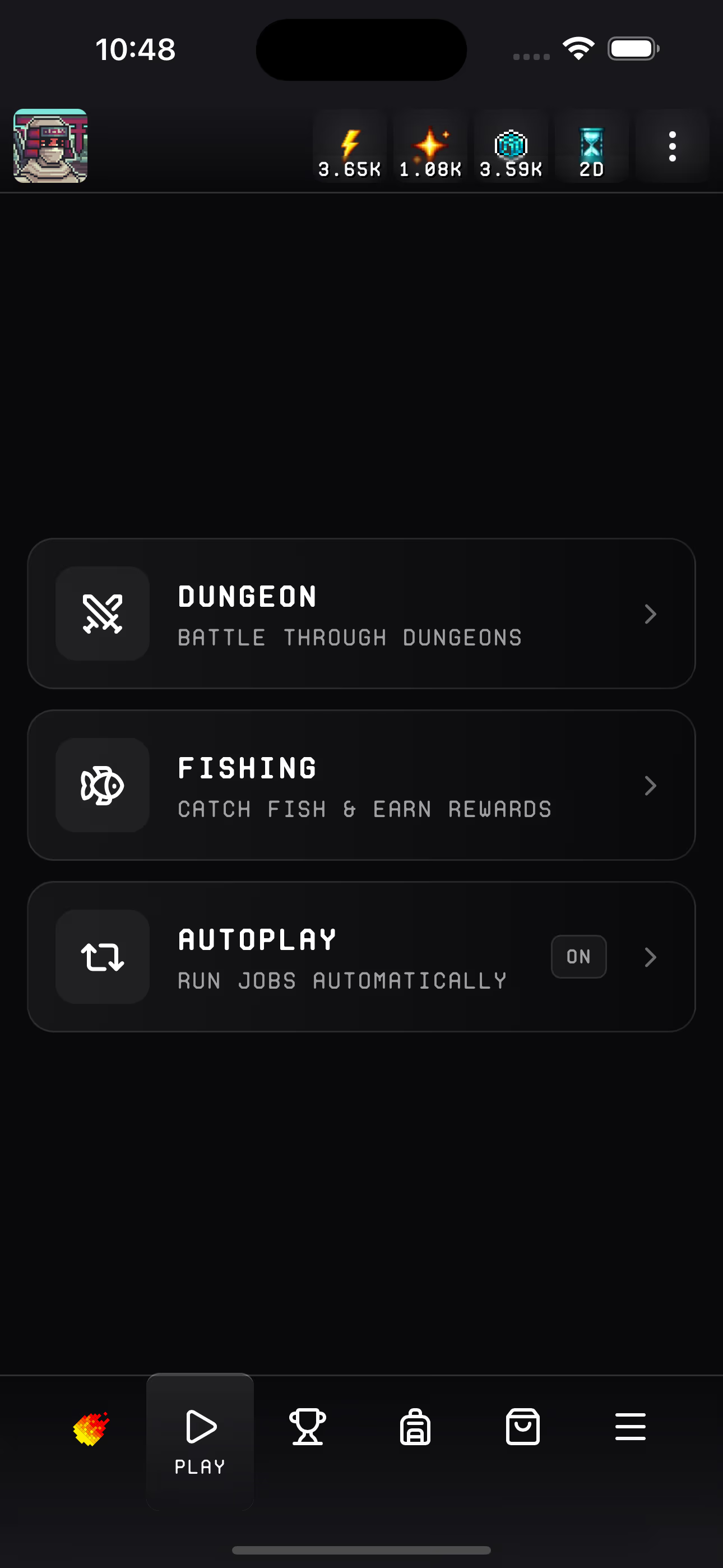
Autoplay is Fireball's hands-off automation scheduler. Once enabled, it automatically queues your game runs every hour until all configured games have completed for the day. No manual intervention needed — set it up once and let Fireball handle the rest.
Your session stays active for 7 days, so you can configure autoplay once and forget about it for an entire week. As long as your session is valid, Fireball keeps playing on your behalf every day.
How It Works
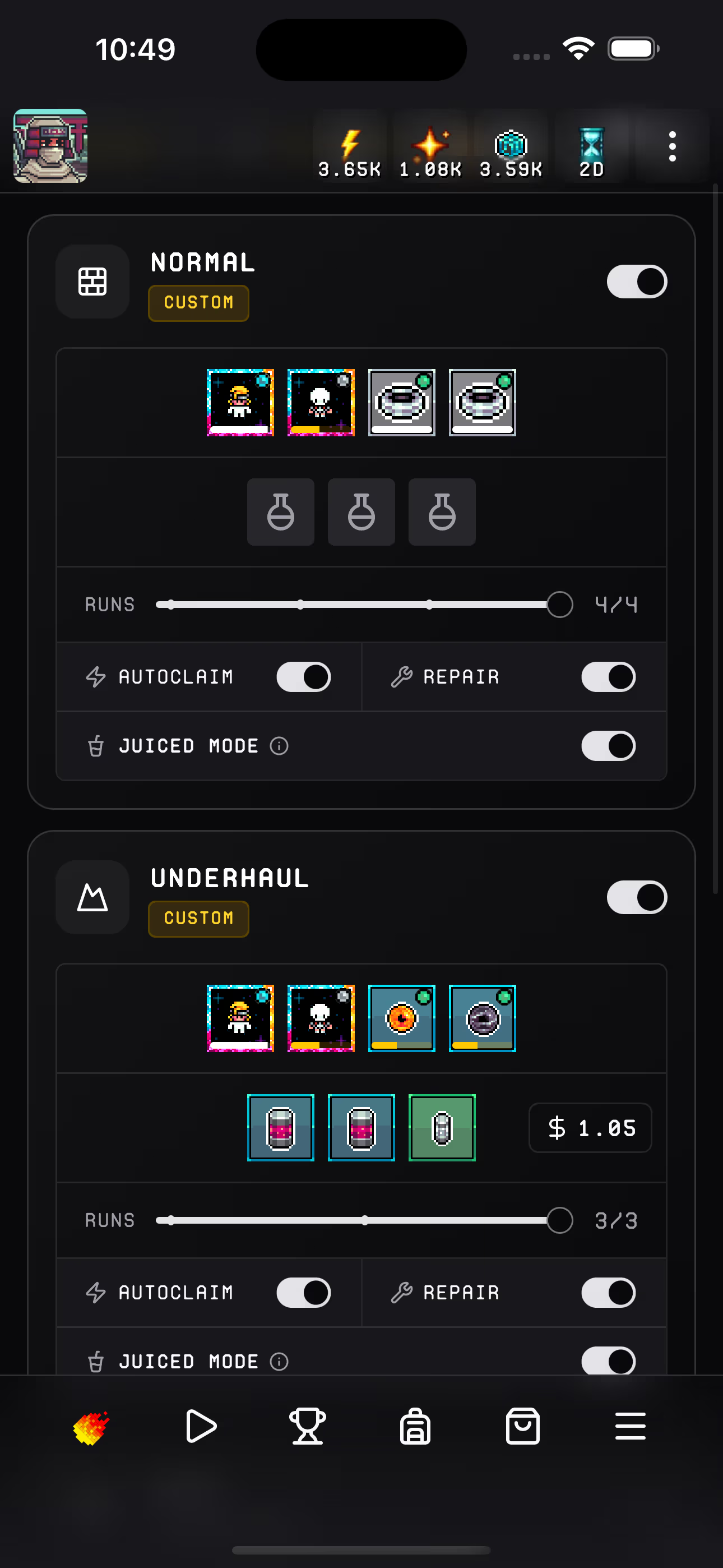
- Configure — choose which games to run and their settings
- Enable — toggle autoplay on
- Relax — Fireball's scheduler runs hourly, queuing jobs for each enabled game
- Reset — all daily limits reset at 6 PM UTC and the cycle repeats
The scheduler picks the least-recently-completed game from your enabled list, ensuring all your games get played each day. When every enabled game has run, you receive a session summary notification.
Cost
Autoplay applies a 20% Spark surcharge on top of standard game costs. This surcharge can be reduced with the Scroll of Honor:
| Scroll Level | Discount | Effective Surcharge |
|---|---|---|
| No scroll | — | 20% |
| Pioneer (Level 1) | 50% | 10% |
| Vanguard (Level 2) | 75% | 5% |
Dungeon skill levels also reduce base costs — at skill level 50+, costs scale down significantly for Normal, Gigus, and Underhaul dungeons.
Holders of the Scroll of Fire or Scroll of Noob play for free — no Spark cost applies during autoplay.
Access Requirements
To use autoplay you need one of the following:
- Scroll of Fire — permanent free access to all games and services
- Scroll of Noob — 5-day free trial of game runs
- Active Giga-Juice — paid access using Sparks
Session Summary
When all enabled games complete for the day, Fireball sends a notification with a summary including:
- Win rates and total runs per dungeon type
- Profit breakdown per game
- Fishing catch value and rare fish highlights
Tips
- Enable autorepair — gear breaks over time, and autorepair fixes it before each run automatically
- Use autoclaim — lets Fireball claim energy from your ROMs before each run so you never miss games due to low energy
- Start with Balanced preset — a safe default for dungeons until you learn the system
- Check your daily limits — juiced mode increases daily limits but costs 3x energy per run