Features
Pets
Manage and feed your hatched pet companions
The Pets page shows all your hatched pets. Feed hungry pets, track their stats, and filter your collection.
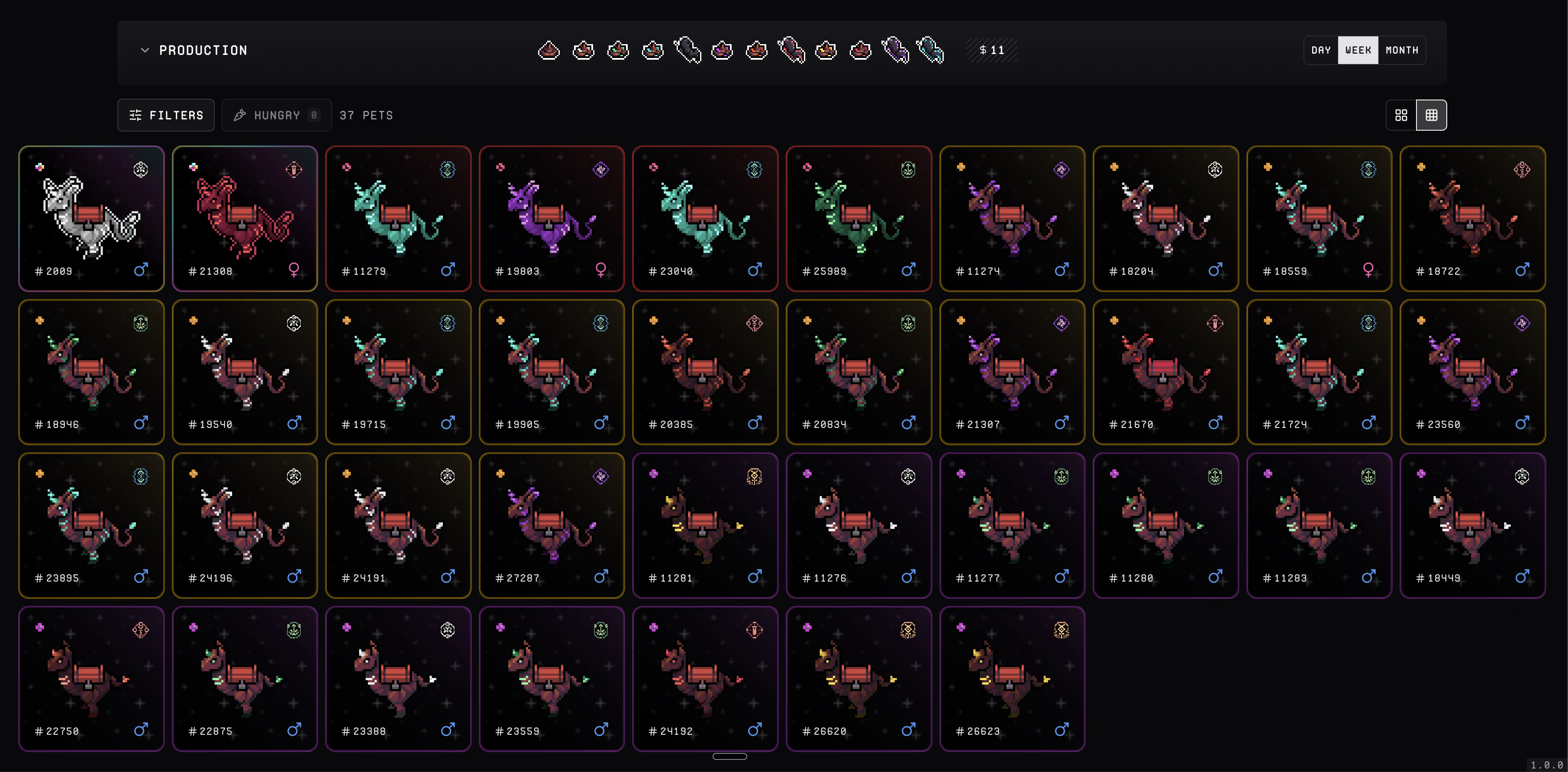
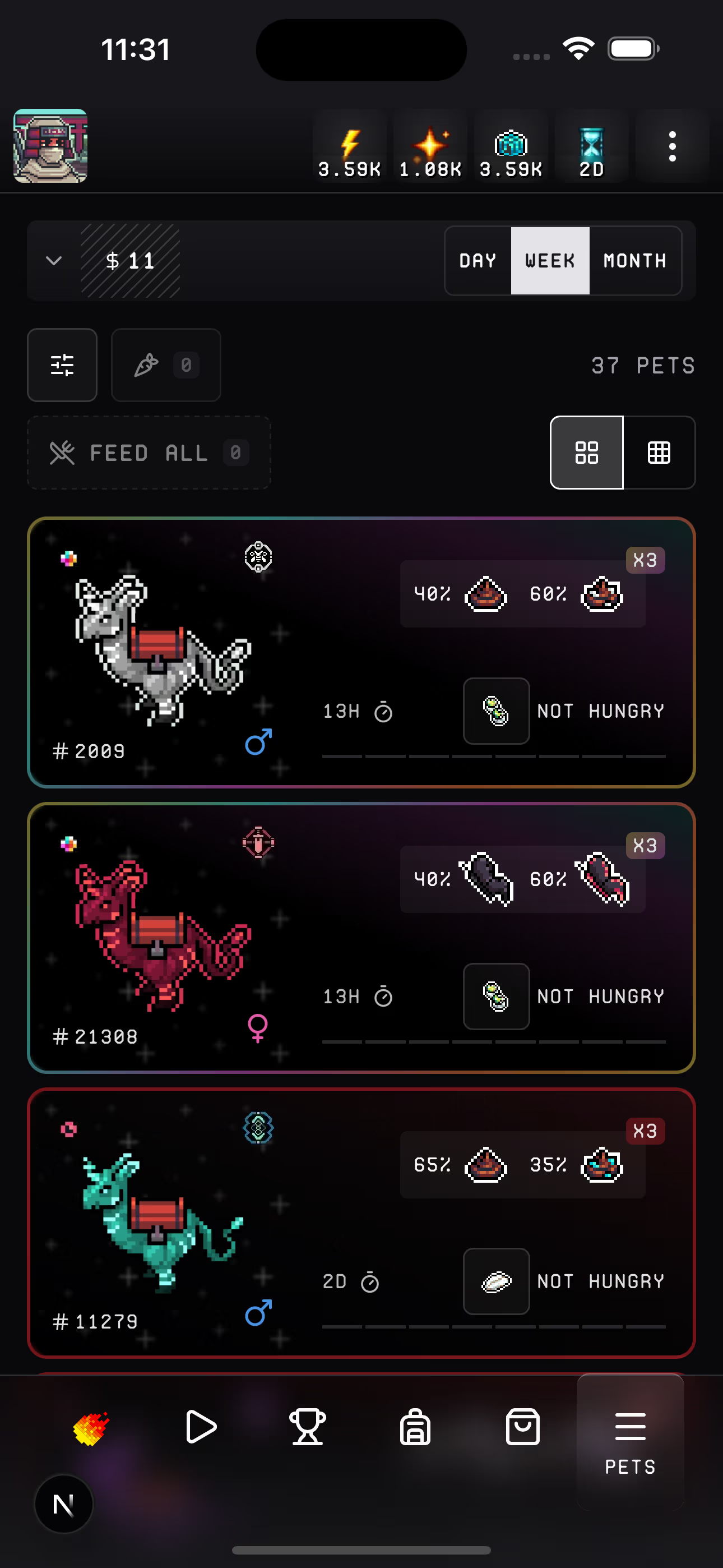
Features
- Filter by rarity, faction, egg type, and gender
- Hungry toggle — shows only hungry pets sorted by hunger level
- Feed — tap a pet to open the feed overlay with available food items and their effects
- Feed All — feed all hungry pets at once
- Grid / List view — switch between compact grid and detailed list
- Production stats — track output and time ranges (day, week, month)
Production
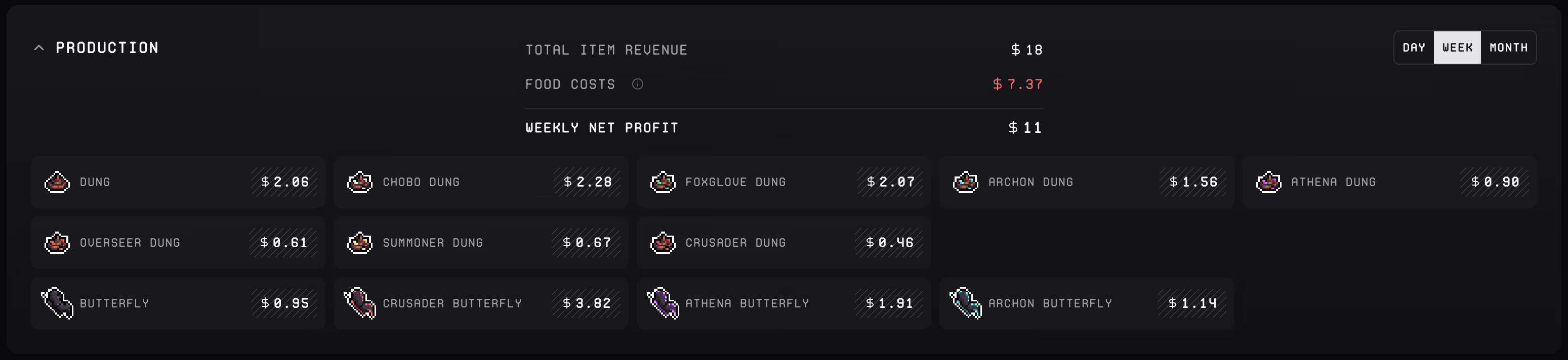
The production panel tracks your pets' output and profitability. Toggle between day, week, and month views to see:
- Total Item Revenue — combined value of all items your pets produced
- Food Costs — what you spent keeping them fed
- Net Profit — revenue minus food costs (switchable between day, week, and month)
- Per-item breakdown — see exactly how much each product (dung, butterflies, etc.) is earning
Feeding
Tap Feed All to feed every hungry pet in one go. Fireball picks the best food automatically — the entire process runs hands-free.
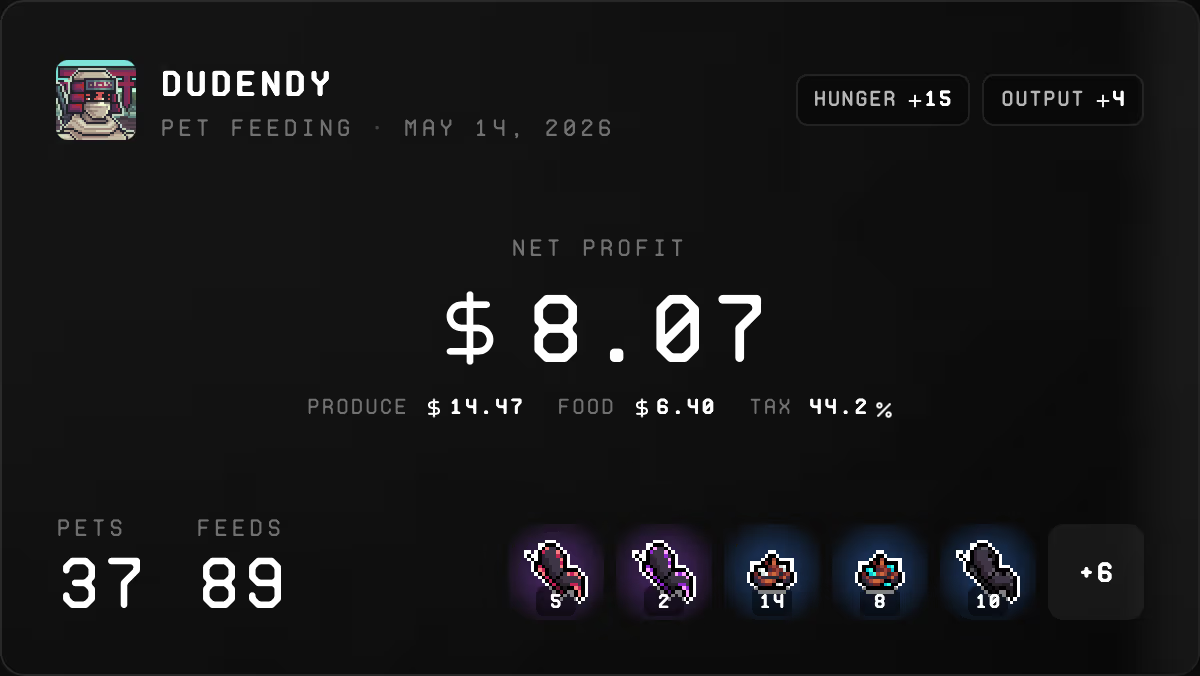
The video above is sped up 8x — feeding 37 pets takes about 2 minutes in real time.
Each food item shows your current supply and effects:
- Reduce Pet Hunger — decreases hunger level
- Prevent Pet Hunger Loss — adds hunger buffer
- Increase Pet Output — boosts production
- Increase High Tier Chance — improves rare outcome probability